Maximum Mecha Turbo Overdrive
A downloadable prototype
Maximum Mecha Turbo Overdrive is a short playable prototype for a robot action game, designed around an irregular control scheme and a sense of weight behind every action.
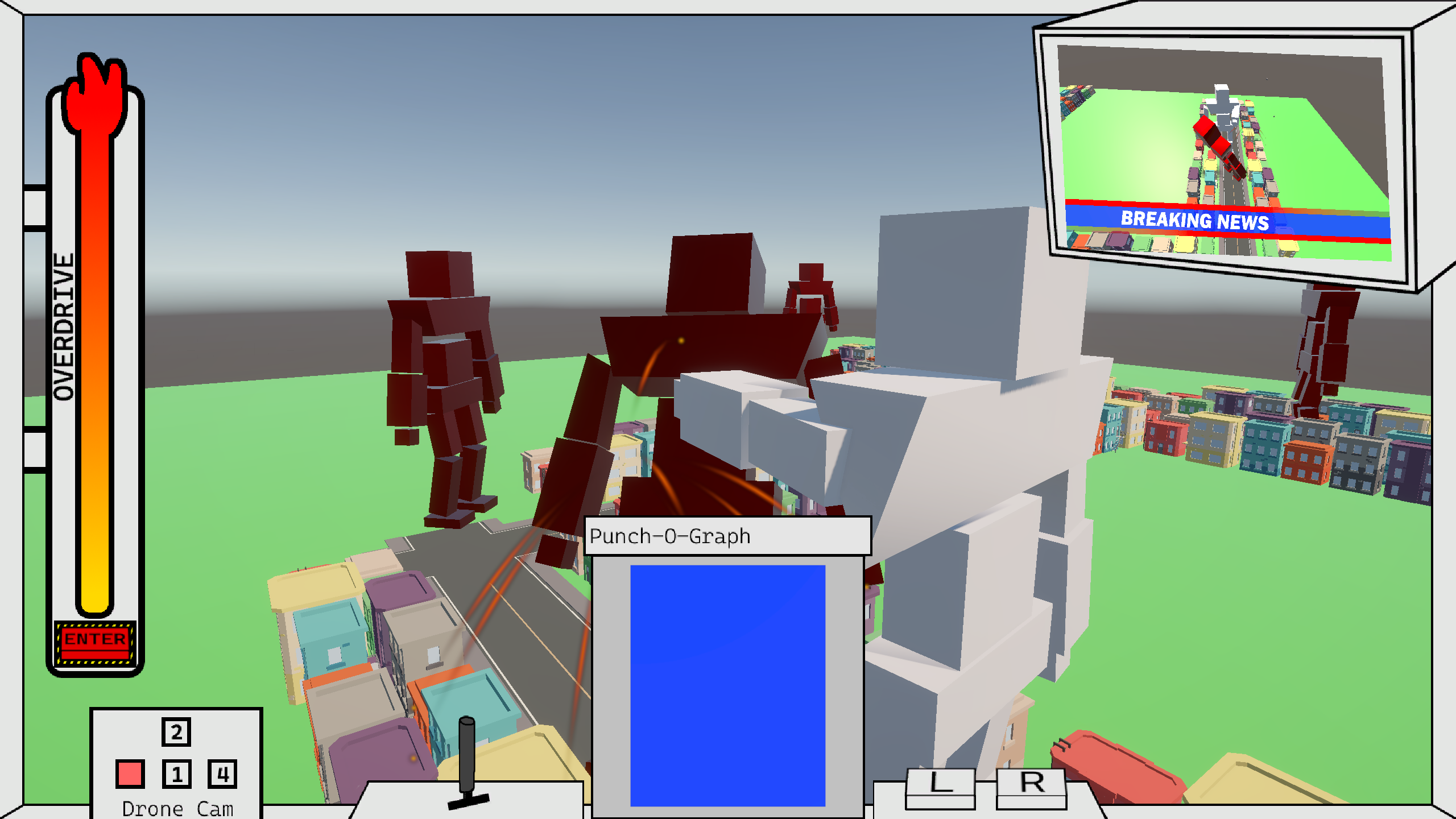
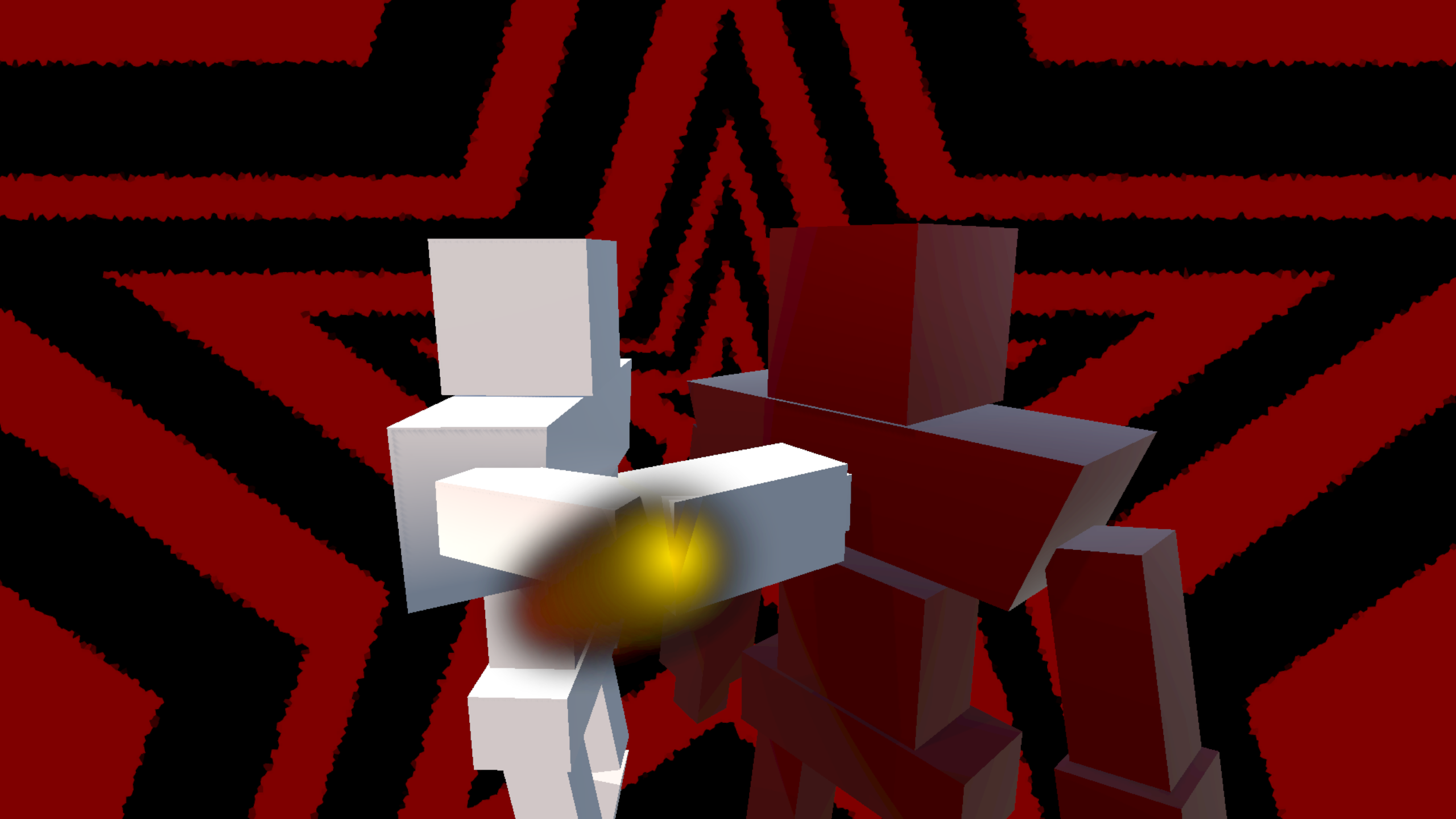
Perfect your walking to build speed, learn to use the Punch-O-Meter to get just the right swing for your left hook, and let loose with an OVERDRIVE attack to really send them flying!
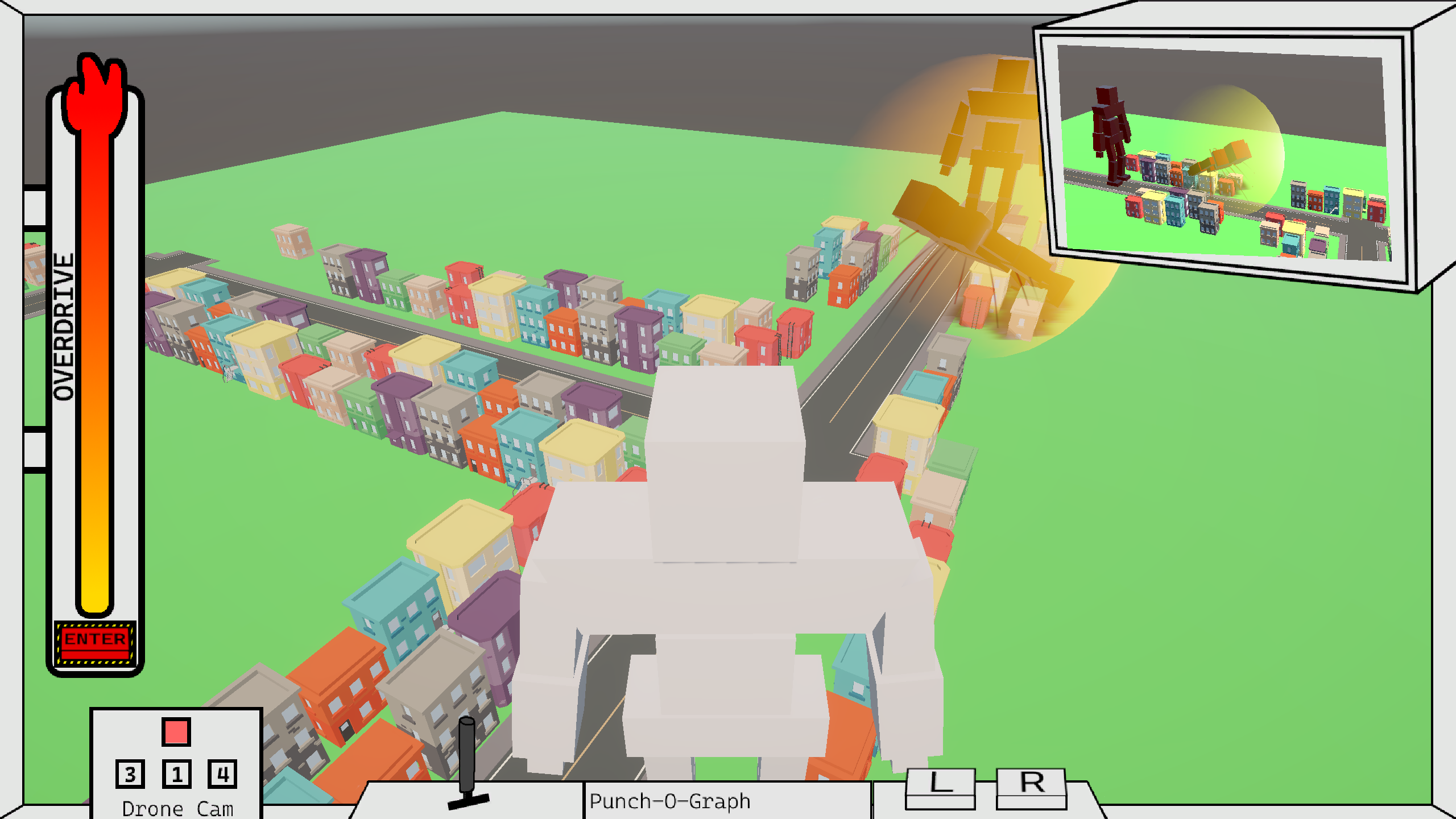
View the action from your cockpit which responds to every action you make, monitoring the battle from the view of an in-world drone with a number of pre-set positions. You can also watch the live news feed in the top right to get a birds-eye view and watch the evil bots explode!
Please note that this game is an unfinished prototype! It serves as a proof-of-concept for a game and a demonstration of my prototyping abilities as a portfolio piece for my website, owengrady.com. It is very rough around the edges as a result, meaning it may not work as a standalone title. If you're interested in learning more about the technical details of the project, read the portfolio writeup here!
CONTROLS
- W/S to lean forward/backward.
- A/D to raise the left/right foot.
- Q/E to turn the robot (while not leaning).
- Left/Right click to raise the left/right arm.
- Move the mouse while the arm is raised to swing the arm.
- 1/2/3/4 to change camera drone position.
- Enter will activate Overdrive when the meter on the left is full!
GAMEPLAY TIPS
- To walk: Lean forward, then alternate raising and lowering legs.
- Raising and lowering the same leg twice will not move you unless the leg is reset.
- Legs reset after long period of time leaning OR after other leg has moved OR if the lean is cancelled (Alternating legs will always be most efficient!).
- Rotation isn't possible unless robot is neutral. Neutral just means not holding either lean key to stand upright.
- The four number keys correspond to set camera locations: Hitting the same one twice wont do anything.
- Punches can only be thrown from neutral.
- A punch is only considered "thrown" when the red ball leaves the blue box. Move the arms how you like before then.
- When a punch gets thrown, the arms will stay in position until BOTH arms are lowered.
- More swing speed = more force = faster enemy takedowns!
- Hitting an enemy with an overcharge hit counts as an instant destruction (and is very cool)!
- Defeat all five enemies to win!
- Don't worry about property damage.
INSTALLATION INSTRUCTIONS
- Download the .zip file.
- Right click and extract it with your preferred zip file extraction method.
- Review the readme for a refresher on how to play.
- Double click "RobotGame.exe"
Download
Install instructions
Right click and extract the zip to unpack the game, review the readme, and double click "RobotGame.exe" to play! Prototype is only compatible with Windows PCs.